Models & Providers
Choose How Models Are Connected
Open Settings → Models. The provider overview shows connected subscriptions, hosted credits, and your own keys in one place.
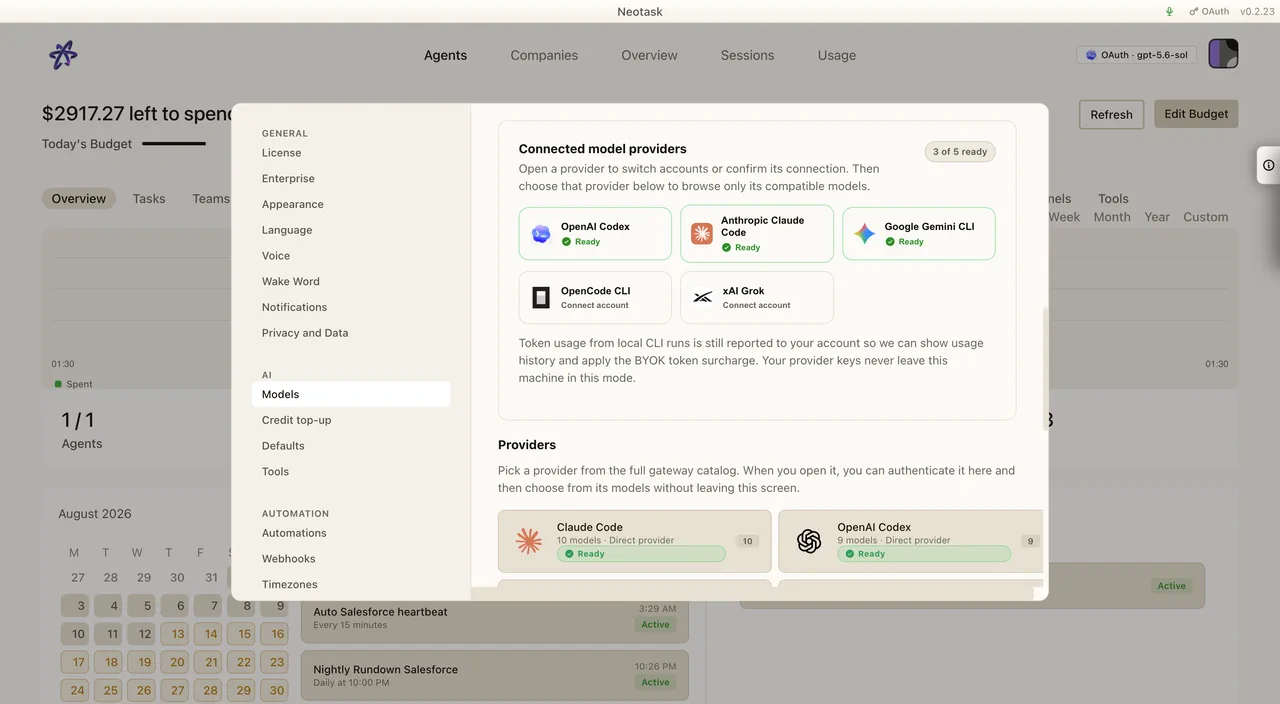
- Choose Subscriptions to connect a supported account.
- Choose Credits to browse the hosted model catalog.
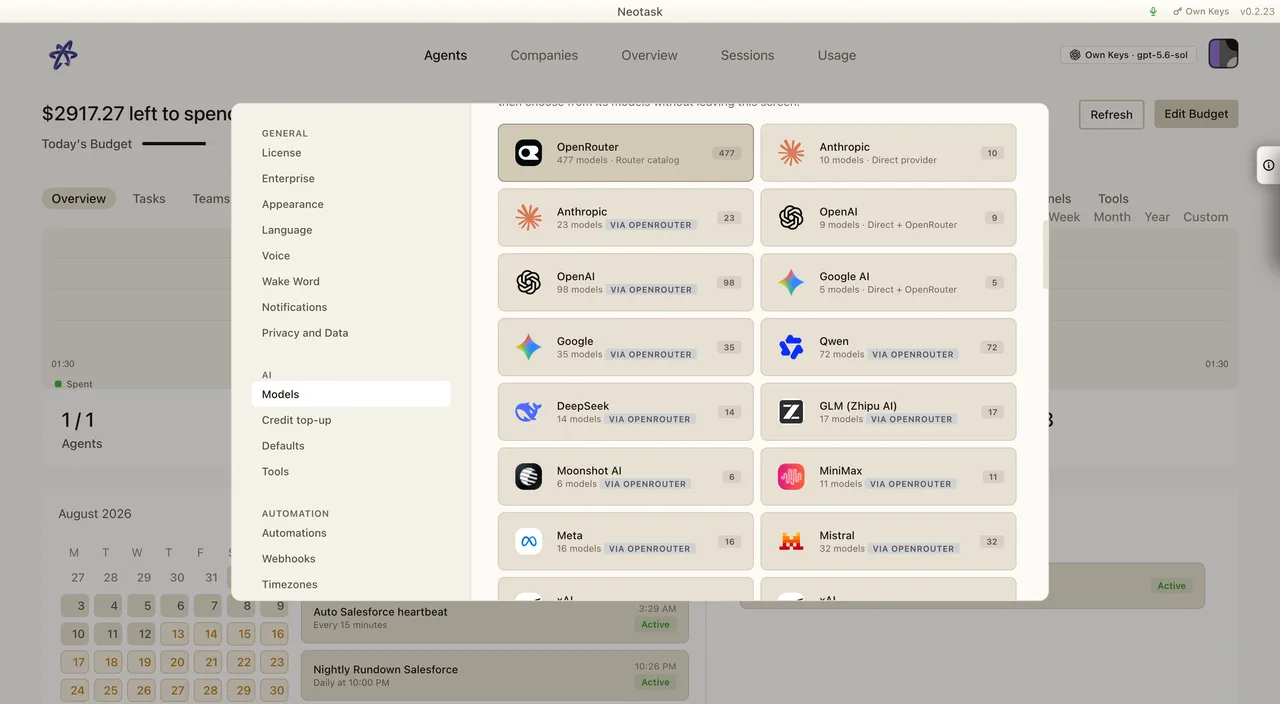
- Choose Your keys to add a provider key.
- Select the model or routing default for the agent.
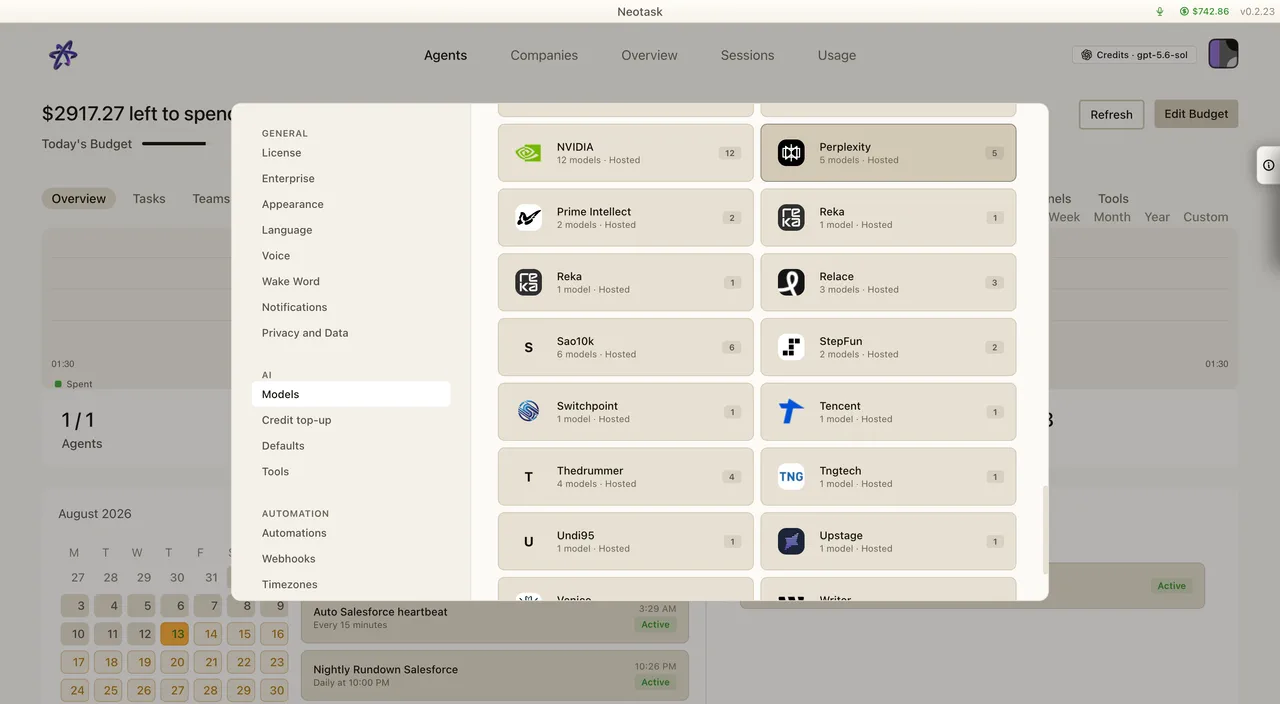
Overview
The Neotask gateway supports a wide range of AI model providers. You can use cloud-hosted models from Anthropic, OpenAI, and Google, run local models via Ollama or vLLM, or connect to an OpenAI-compatible API endpoint in direct BYOK mode.
Supported Providers
Cloud Providers
| Provider | Models | Auth |
|---|---|---|
| Anthropic | Claude Opus 4.6, Claude Sonnet 4.1, Claude Haiku 4.5 | API key or setup-token |
| OpenAI | GPT-5.2, GPT-5.1, GPT-4 Turbo, GPT-4 | API key |
| Google (Gemini) | Gemini 3 Pro, Gemini 2 Flash, Gemini 1 Pro | API key or OAuth |
| Together AI | Various open-weight models (Llama, Mixtral, etc.) | API key |
| Moonshot (Kimi) | Moonshot v1 (32K, 128K context) | API key |
| OpenRouter | 100+ models from multiple providers | API key |
| DeepSeek | DeepSeek Chat, DeepSeek Coder | API key |
| OpenCode Zen | Claude variants, custom-tuned models | API key |
Local Model Providers
| Provider | Description |
|---|---|
| Ollama | Run open-weight models locally (Llama, Mistral, etc.) |
| vLLM | High-throughput local inference server |
| LiteLLM | Unified proxy for 100+ providers |
Custom Providers
In direct BYOK mode, connect an OpenAI-compatible or Anthropic-compatible API by specifying a base URL and your own API key. This supports self-hosted inference servers, enterprise proxy endpoints, and third-party model APIs without sending a Neotask-managed provider key to that custom host.
Hosted-credit requests use Neotask's server passthrough instead. That path accepts only the official HTTPS hosts assigned to the selected provider, rejects provider/host mismatches, and does not follow upstream redirects. Custom base URLs are never accepted on the hosted-credit path.
Model Configuration
Primary Model
Set a default model for all agents. Each agent can override this with its own primary model.
Fallback Chains
Configure a prioritized list of fallback models. If the primary model fails (rate limit, downtime, auth error), Neotask automatically tries the next model in the chain.
Image Models
Separate model configuration for image analysis and generation. Supports Claude Vision, GPT-4 Vision, and DALL-E 3.
Model Aliases
Create shortcuts for long model names. For example, alias fast to anthropic/claude-haiku-4-5 for quick reference.
Per-Agent Overrides
Each agent can have its own model configuration, independent of the global default.
Model Allowlists
Restrict which models agents can use. Useful for cost control or compliance.
API Key Management
Switch to the provider-key catalog when you want to connect credentials that you manage. Each provider card opens its own setup flow.
Key Sources (Priority Order)
- Live override key (highest priority)
- Comma-separated key list (rotation)
- Primary key
- Numbered keys (key_1, key_2, etc.)
Automatic Key Rotation
When a rate limit is hit, Neotask automatically rotates to the next available key. Non-rate-limit failures return errors immediately without rotation.
Per-Provider Configuration
Each provider can have its own set of API keys, auth profiles, and model-specific settings.
Provider Auth Methods
| Method | Description |
|---|---|
| API Key | Standard bearer token authentication |
| Setup Token | Interactive auth flow (Anthropic) |
| OAuth | Delegated auth with refresh tokens (Google, GitHub Copilot) |
| Token Paste | Manual token entry for specialized providers |
Model Selection Priority
When an agent needs to make an LLM call, models are selected in this order:
- Per-agent override (if set)
- Global default model
- Model allowlist (if configured, limits options)
- First available model (fallback)
Provider-Specific Tool Restrictions
You can restrict which tools are available for specific models or providers. For example, limit a less-trusted model to file operations only, while giving Claude full tool access.