Platform Overview
The desktop app connects to the Neotask Gateway automatically. Open Settings → Gateway to see the active connection, local runtime, and health checks in one place.
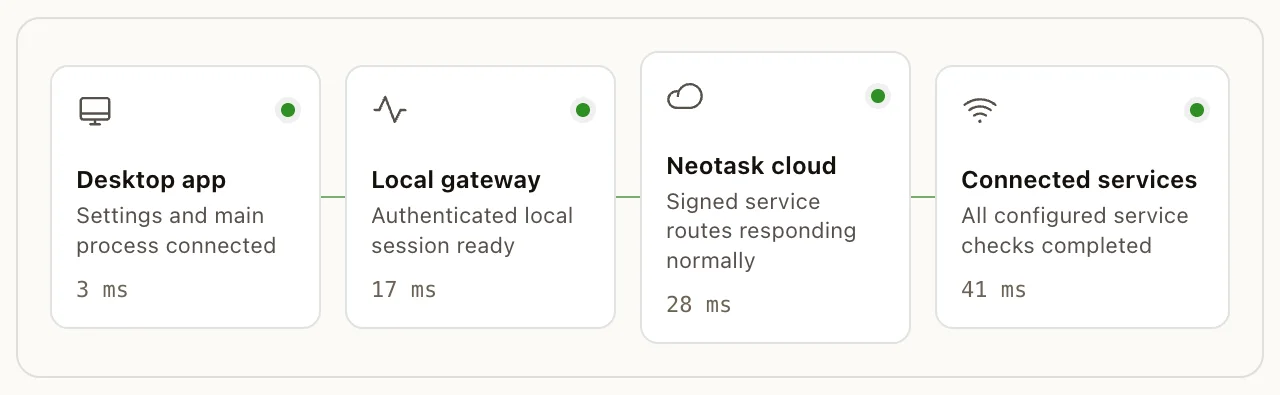
- Open Settings.
- Select Gateway.
- Confirm that the connection path shows the expected runtime.
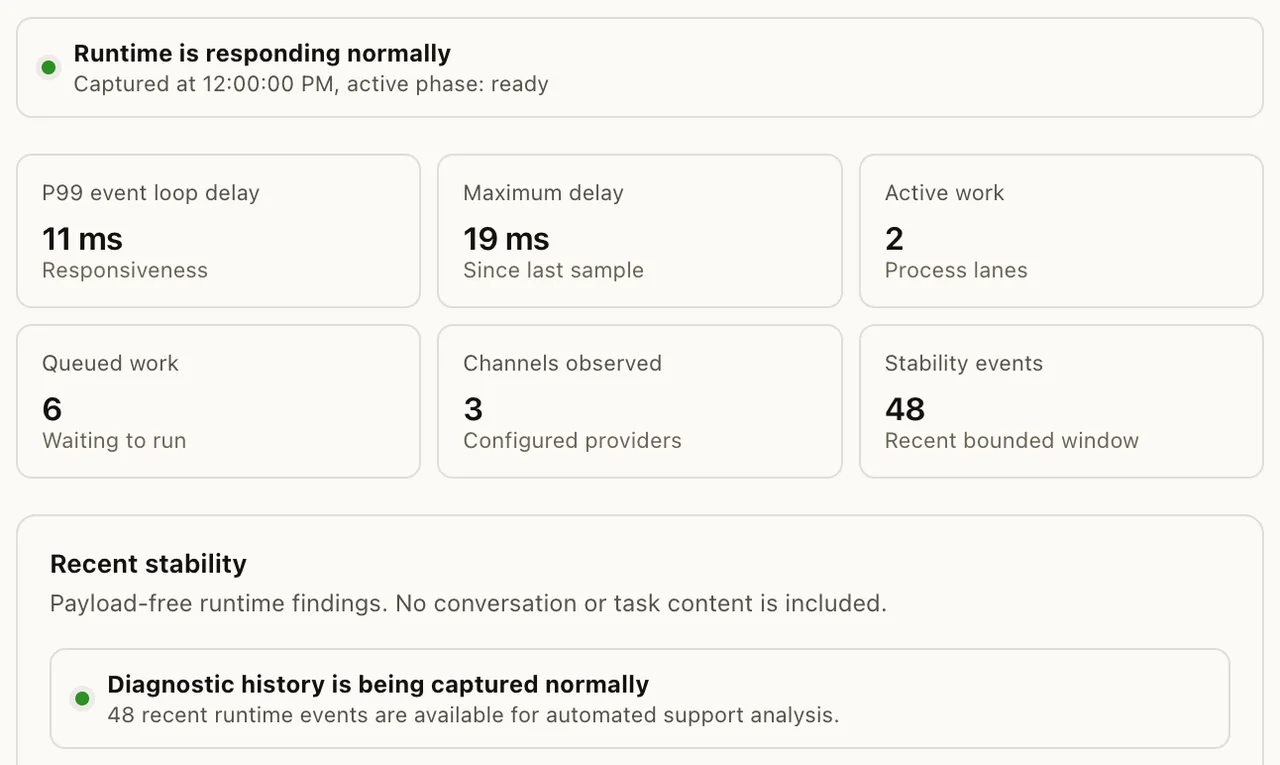
- Open Health when a connection or tool is unavailable.
What Is Neotask?
The Gateway is the core engine that powers Neotask. It's a single long-running service that manages everything: agent sessions, messaging integrations, tool execution, scheduled automations, and device connections.
Think of it as the brain that your Neotask desktop app, mobile apps, and web dashboard all connect to. While you interact through those interfaces, the Gateway is doing the heavy lifting behind the scenes.
Architecture
Neotask uses a hub-and-spoke model:
- The Gateway is the central hub, a WebSocket server that runs on your machine (or in the cloud). It manages all agent sessions, routes messages between channels, orchestrates tool execution, and persists state.
- Clients (the desktop app, mobile apps, web dashboard, or terminal) connect to the Gateway and send/receive messages through it.
- Nodes (companion apps on iOS, Android, macOS) expose device capabilities, camera, canvas, screen recording, location, and voice, to agents running on the Gateway.
- Channels (WhatsApp, Telegram, Discord, Slack, etc.) are messaging transports that the Gateway connects to for sending and receiving messages.
All AI operations go through the Gateway → LLM Provider pipeline. The desktop app never calls an LLM directly.
Key Capabilities
Multi-Channel Messaging
Connect to 20+ messaging platforms simultaneously. Your agents can send and receive messages on WhatsApp, Telegram, Discord, Slack, Signal, iMessage, Google Chat, Microsoft Teams, Matrix, IRC, and more, all from a single Gateway instance. See Channels.
Multi-Agent System
Run multiple isolated agents, each with their own workspace, personality, model configuration, and channel bindings. Route inbound messages from specific channels, servers, or contacts to the right agent automatically. See Agents.
Device Capabilities via Nodes
Connect iOS, Android, and macOS companion apps as "nodes" that expose device hardware to your agents. Agents can take photos, record video, capture the screen, get GPS location, render interactive canvases, and run system commands, all through natural language. See Companion Apps.
Browser Automation
Agents can control a full Chromium browser, open pages, click elements, fill forms, take screenshots, extract content, upload files, and run JavaScript. Multiple browser profiles are supported for account isolation. See Tools & Capabilities.
Canvas & A2UI
The Agent-to-UI (A2UI) system lets agents render interactive visual content on connected devices. Agents can present web pages, push structured UI updates, execute JavaScript in the canvas context, and take snapshots of what's displayed. See Tools & Capabilities.
Flexible Model Support
Use any major LLM provider, Anthropic (Claude), OpenAI (GPT), Google (Gemini), Together AI, Moonshot, OpenRouter, and more. Configure model fallback chains, aliases, and per-agent model overrides. Run local models via Ollama or vLLM. See Models & Providers.
Plugin & Skill Ecosystem
Extend Neotask with plugins that add new channels, tools, RPC methods, and capabilities. Browse available skills in the skills catalog. Create your own skills to teach agents new workflows. See Plugins & Skills.
Scheduling & Automation
Schedule agent wakeups with cron expressions, one-shot reminders, or interval-based triggers. Agents can run automated tasks, deliver results to channels, or post to webhooks. See Automation.
Voice Interaction
Use wake words to activate your agent by voice. Talk mode enables continuous voice conversations with real-time speech-to-text and text-to-speech (ElevenLabs, OpenAI). The Swabble daemon on macOS provides always-on, on-device voice detection. See Voice.
Session Intelligence
Sessions automatically reset daily, compact when approaching context limits, and persist across restarts. Memory search lets agents recall information from previous conversations using vector similarity. See Sessions & Memory.
Self-Hosted & Private
Everything runs on your infrastructure. Your messages, API keys, and agent data never leave your machines unless you explicitly configure an external service. The Gateway binds to localhost by default, zero external network exposure.
Sandboxed Execution
Run agent commands in isolated Docker containers with configurable resource limits, network policies, and filesystem confinement. Per-agent sandbox profiles let you control exactly what each agent can access. See Security.
How It All Fits Together
- You interact with your agents through the Neotask desktop app, a mobile companion app, or directly via messaging platforms like WhatsApp or Telegram.
- The Gateway receives your message, routes it to the right agent, and starts an AI turn.
- The agent processes your request using the configured LLM (Claude, GPT, etc.), calls any tools it needs (browser, canvas, file operations, shell commands), and generates a response.
- The response is delivered back to you through the same channel, or announced on a different channel if configured.
- State (session transcripts, agent config, scheduled jobs) is persisted locally so everything survives restarts.