Auto, Onboarding & Plan Setup
Follow The Company Setup Flow
- Open Companies and select Add company.
- Enter the company website or choose the manual setup path.
- Review the website analysis and generated company profile.
- Check the proposed plan, apps, channels, and budget.
- Finish setup when the ready screen confirms the company workspace was created.
This guide explains how company onboarding works today and what happens before a new company is ready to run.
Before You Start
To create a company workspace, you need a plan that includes company access.
Free users may be able to walk through company onboarding or preview the generated plan, but Free mode does not allow the company to actually run tasks, automations, heartbeats, or company operations. After onboarding, a Free account remains gated on the company Plan/upgrade flow until it has at least an Individual subscription.
You should also know which of these you already have:
- a live company website
- SOPs or internal reference files
- the apps your company needs
- Google Workspace accounts you want connected at the company level
If you do not have all of that yet, you can still continue. The wizard supports partial setup and the company dashboard lets you finish the rest later.
Starting The Wizard
Open Auto and choose the new company action from the dashboard.
The first onboarding choice is whether this is:
- an existing company
- a new company
That decision changes the early steps of the wizard.
Existing Company Path
Use the existing company path when you already have a real business site or real operating context.
This path starts with:
- Company
- Website
In the website step, you enter the company URL and Neotask analyzes the site to build the initial company profile.
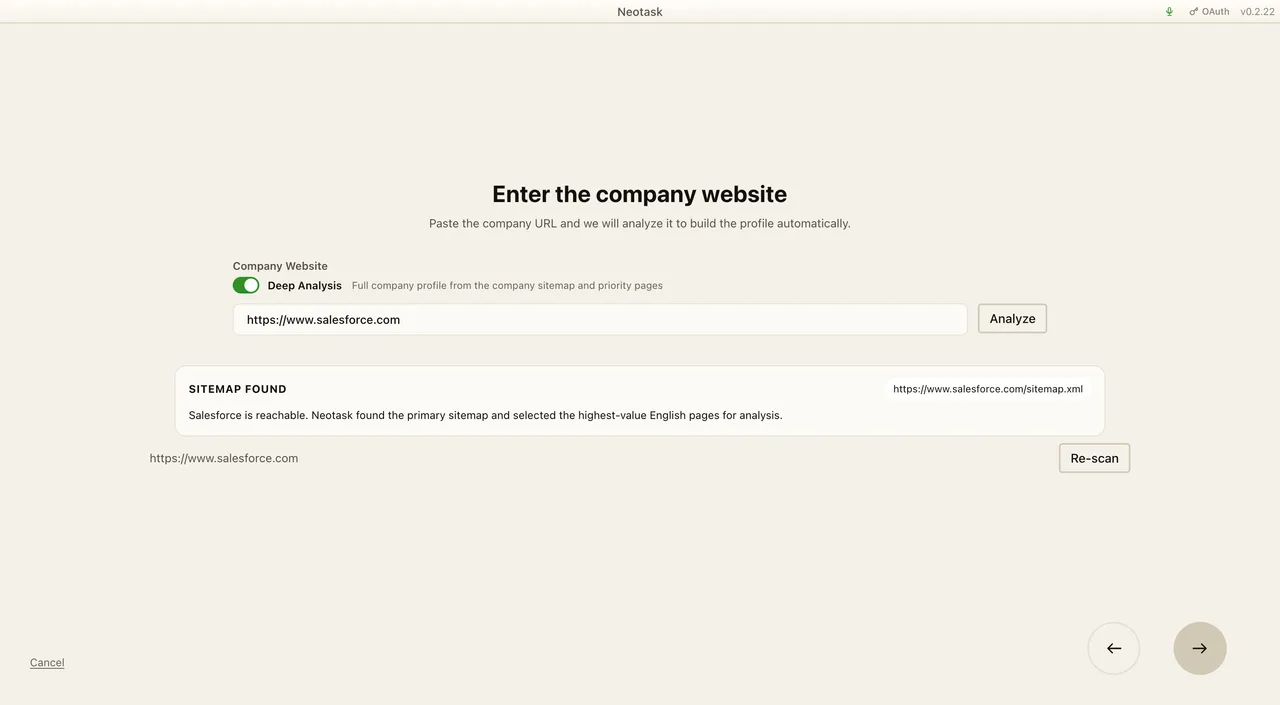
The current website flow can also validate the site and guide the user through sitemap-related issues before continuing.
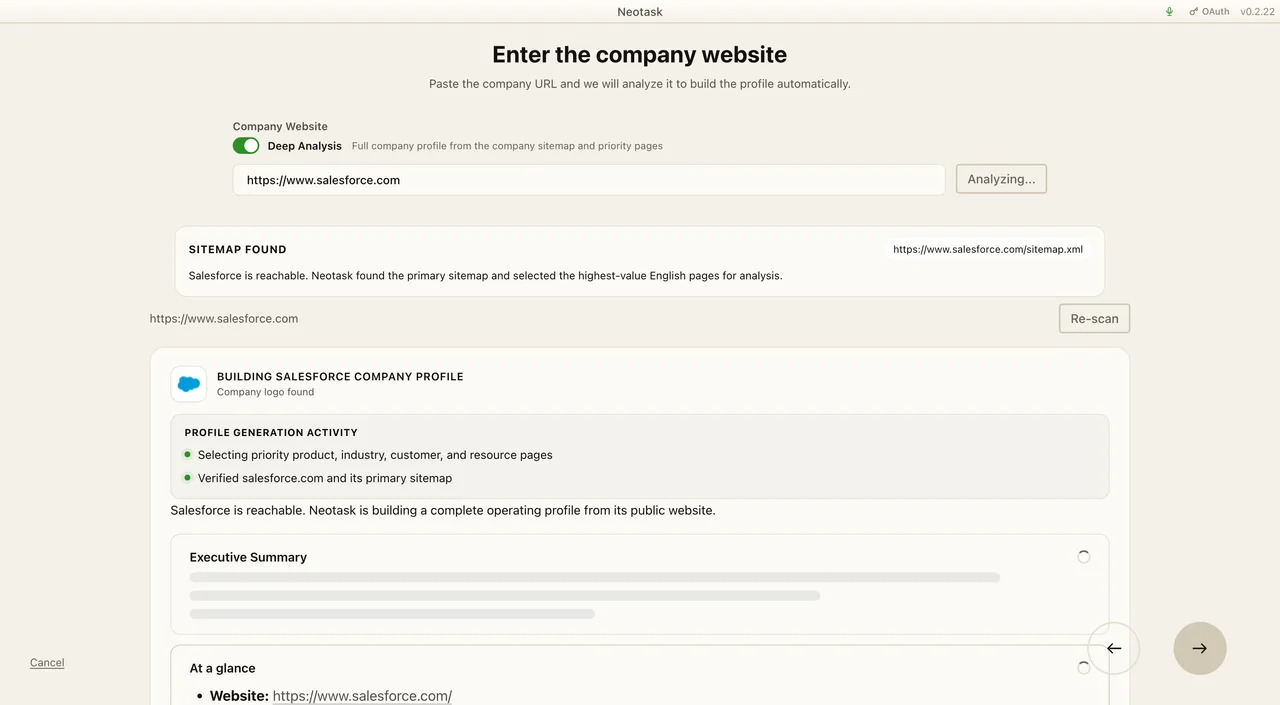
This is the fastest path when the company already has a public site and clear operating context.
New Company Paths
If you choose a new company, the wizard asks how you want to begin.
Current options are:
- Description Best when you already know what the company should do and want to describe it directly.
- Brainstorm Best when the company is still being shaped and you want to talk it through with AI first.
Description Path
The description path asks for a rough description of the company or product, then turns that into the company profile.
Review the generated profile before continuing. Correct the company description or operating context here so the first plan starts from accurate information.
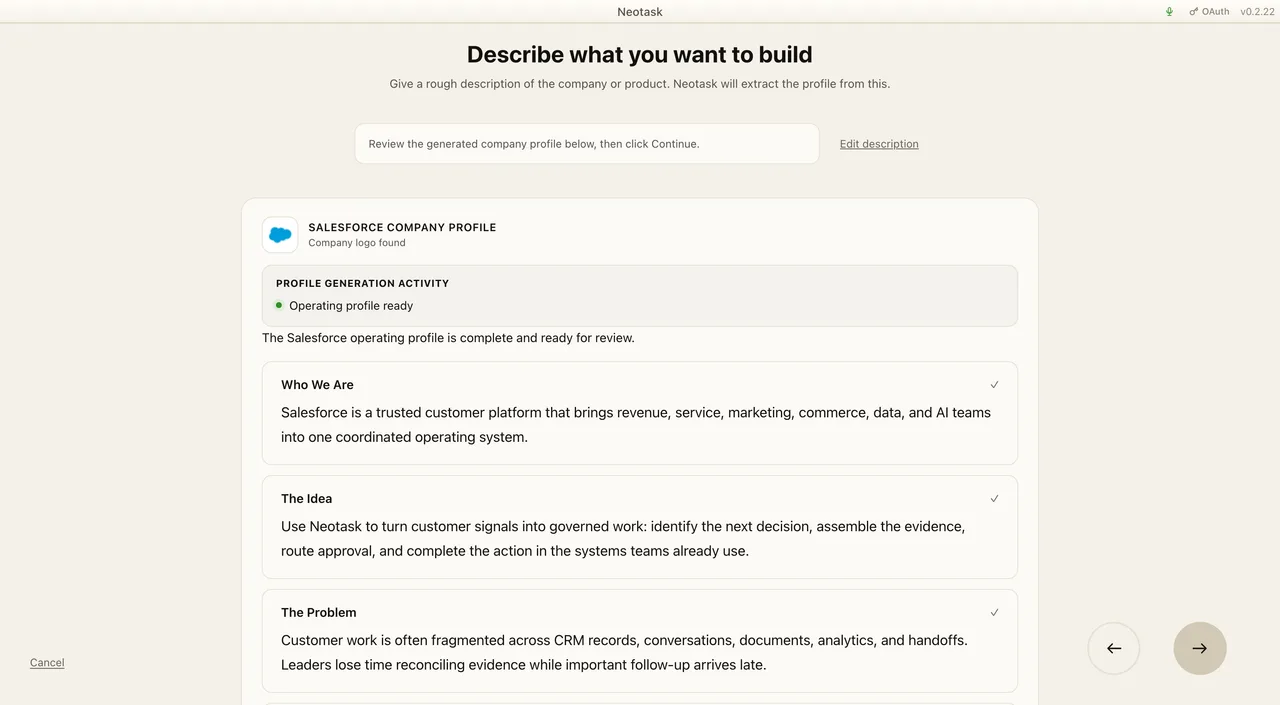
This path also supports the current Make a website option, so a new company can be described first and still continue into website creation later.
Brainstorm Path
The brainstorm path opens a chat-style planning step where you describe the business idea, target market, offer, and positioning. Neotask then turns that conversation into a company profile draft.
This path is especially useful for:
- pre-launch companies
- service businesses still refining positioning
- new product or brand concepts
The Current Wizard Step Order
After the entry-specific steps, the current onboarding flow continues with the same later stages:
- SOPs
- Apps
- Integrations
- Autonomy
- Heartbeat
- Plan
SOPs
Upload playbooks, SOPs, reference documents, and internal guidance. This step is optional, but it improves planning and later task execution.
Apps
Choose the apps and MCP tools the company is expected to use. This helps the generated plan attach the right tools to the right tasks.
Integrations
Connect company-scoped Google Workspace access. This step is separate from general app selection and is used for services such as:
- Gmail
- Google Calendar
- Google Docs
- Google Sheets
- Google Drive
If you do not connect them here, you can still connect them later inside the company dashboard.
In the current flow, users can also choose whether to reuse an already connected Google account for the company or add a different account.
Autonomy
Choose the company’s operating mode:
- Fully Supervised
- Semi-Supervised
- Fully Autonomous
You can change this again later.
Heartbeat
Set how often the company heartbeat should run and how the company should watch for approvals, replies, or new incoming work.
Plan
The onboarding flow ends on the plan step. This is where you review the generated company plan and confirm the starting setup.
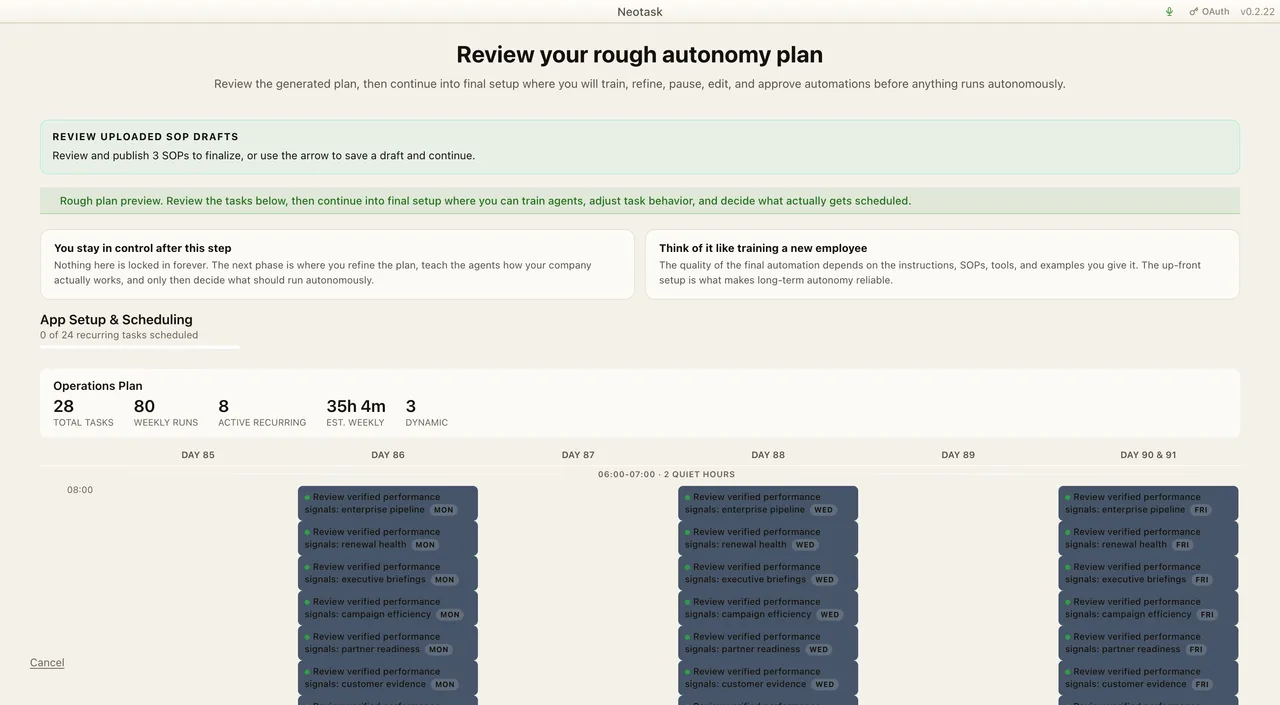
After onboarding completes, Neotask opens the new company on the Plan tab so you can keep refining the plan, connect any missing tools, and finish setup before starting autonomy.
What Happens After You Finish
After the wizard completes successfully, Neotask:
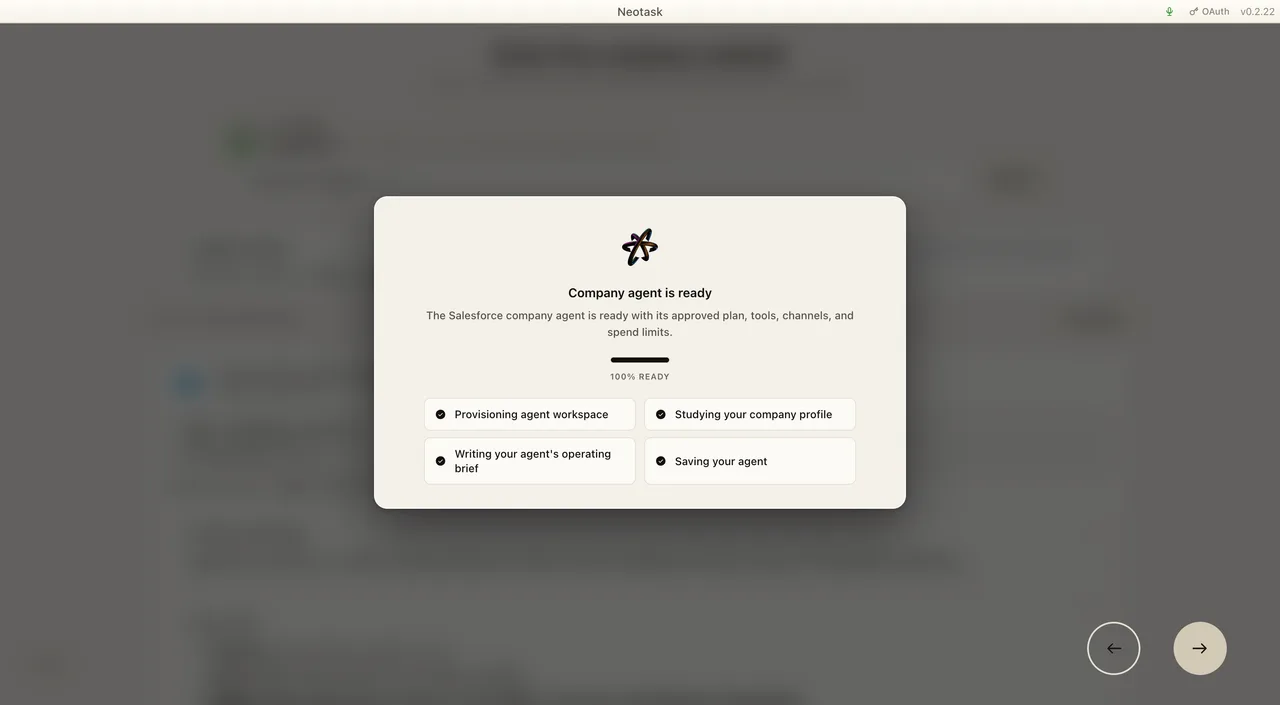
- creates the company workspace
- keeps the selected apps and integrations attached to the draft company context
- opens the new company directly on the Plan tab
At that point, you can keep working inside the company dashboard to:
- refine tasks
- connect missing apps
- link channels
- assign employees
- review approval policy
- start or pause the company heartbeat
If The Company Is Not Ready To Start Yet
A newly created company may still need setup in the dashboard before autonomous execution starts.
That usually means one or more of these still needs attention:
- task setup is incomplete
- required apps are not connected yet
- channels or employee routing still need review
- the plan needs one more round of edits
- heartbeat settings still need confirmation
This is normal. Onboarding gets you into the company cleanly; the company dashboard is where you complete the operating setup.
Best Practices
- Use the website path when the company already has a live site.
- Use the brainstorm path when the business still needs shaping.
- Upload SOPs early if the company has real operating rules.
- Connect Google Workspace during onboarding if email, calendar, docs, or sheets are part of the plan.
- Treat the onboarding plan as the starting operating plan, then refine it inside the company dashboard before turning the company loose.