Neotask Login And Account Access
Verify License Status
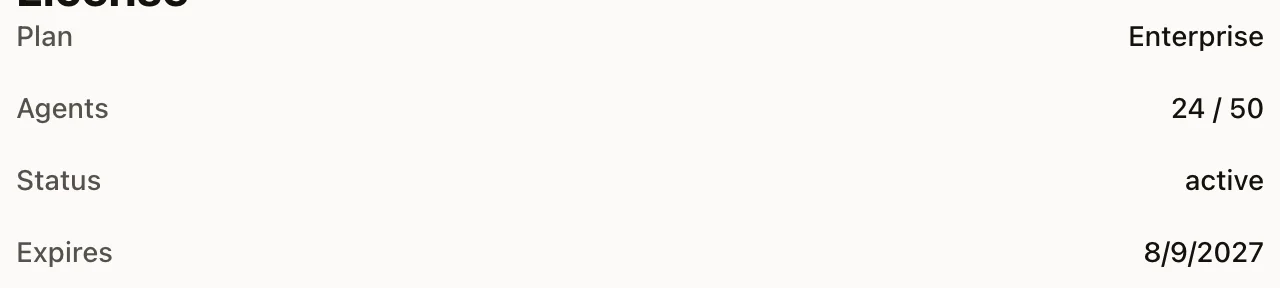
Have the customer open Settings → License. Confirm the active account, plan, status, and expiration before changing credentials or opening a billing case.
This guide covers sign-in, account access, and member-safe recovery guidance.
Safe Login Troubleshooting
Start with these checks:
- Confirm the caller is using the correct sign-in method.
- Confirm they are trying to access the right account or tenant.
- Confirm they are not blocked by an expired or invalid session.
When The Caller Cannot Log In
- If they were previously signed in, have them restart the app and sign in again with the same provider.
- If the session expired, they must authenticate again.
- If they used the wrong provider or wrong email, they need to retry with the correct identity.
Returning User Guidance
Returning users should expect:
- their workspace to remain intact after re-authentication
- existing data to remain associated with the correct account
- a need to reauthenticate when the session actually expires
General Support Vs Account-Specific Access
If the caller is not yet recognized as a member support phone number, support starts with general login guidance, public docs, and the fastest path toward getting the account context confirmed.
Delete And Recovery Requests
Deletion and irreversible account changes may still need a human follow-up after the account context is confirmed.