Auto, Smart SOP Retrieval
Check Which Procedure Was Used
- Open SOPs and select the procedure.
- Review its active version and source history.
- Open the related run when you need to confirm which evidence was retrieved.
- Expand the cited source before changing the procedure.
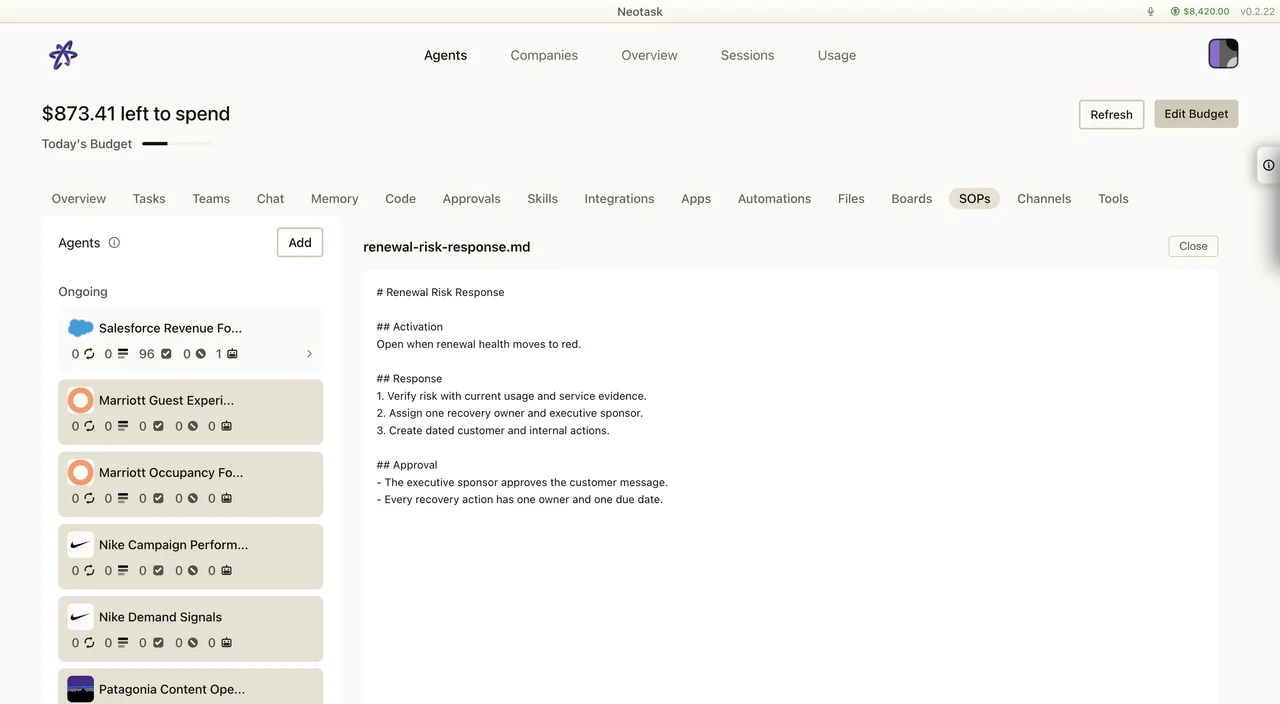
When your agents do work, they follow your company’s SOPs. Smart SOP Retrieval makes sure they follow the right ones, the SOPs that actually relate to the task in front of them, automatically.
This page explains what that means, why it helps, and what you need to know about how it behaves.
What Smart Retrieval Does
Every time an agent starts work, an autonomous task, an agent chat, or a coding action, Neotask automatically finds the SOPs that are most relevant to what the agent is about to do and attaches them to the agent’s context.
The agent does not work from a wall of every SOP you have. It works from the handful that fit the current task, so the guidance it reads is the guidance that matters.
The run preserves the evidence the agent received. Expand an evidence entry to read the source text and confirm why it was used.
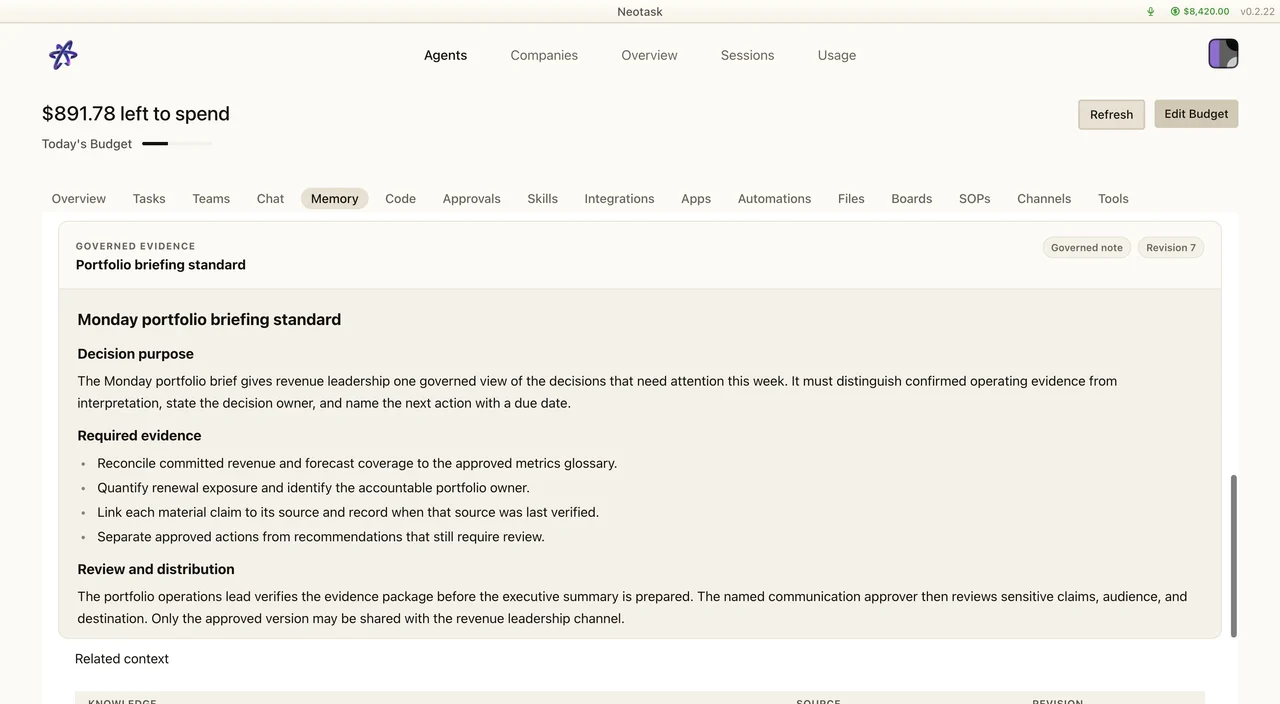
This happens on its own. You do not have to tag an SOP, point an agent at it, or pick which guidance applies, the company does that matching for you.
How This Is Different From Before
The earlier behavior matched SOPs by keywords and simply attached a fixed top set. That worked when an SOP happened to share words with the task, but it missed guidance that was clearly related yet worded differently.
Smart retrieval matches by meaning instead of just words. It understands what an SOP is about and what the task is about, then finds the SOPs whose meaning is the closest fit, even when they do not share the same phrasing.
In practice that means:
- a task can pull in the SOP that covers it, even if the wording is different
- agents are not flooded with every SOP at once, they focus on the most relevant ones
- guidance you wrote in your own words still gets found for the right work
Why It Helps
- Better focus. Agents read the guidance that fits the task, not a long list of everything.
- Fewer misses. Relevant SOPs are found by meaning, so the right one shows up even when the words don’t line up.
- No manual matching. You publish your SOPs and Neotask handles which ones apply to which work.
What It Covers
- All your SOPs, whatever their origin. It covers SOPs you uploaded, SOPs you wrote, SOPs you dictated with voice, and SOPs an agent proposed and you published. Where an SOP came from does not change whether it can be retrieved.
- Only your company’s SOPs. Retrieval is isolated to your company. A company only ever sees and uses its own SOPs, never another company’s.
When New SOPs Become Available
When you publish an SOP, it becomes available to smart retrieval right away. The matching index updates on publish, so newly published guidance can be found on the very next task, there is no long wait for it to “take effect.”
If you change an existing SOP and publish the update, the new version is what gets matched going forward.
If The Matching Service Is Briefly Unavailable
Smart retrieval is designed so you never lose guidance. If the meaning-based matching is momentarily unavailable, the company falls back to the prior keyword-based selection instead. Your agents still get SOPs attached, they just use the older matching method until the smarter one is back.
In other words, there is no “SOPs stopped working” state. The worst case is a brief return to the previous behavior, then back to smart matching automatically.
What You Need To Do
Nothing extra. Smart retrieval is on by default and runs automatically. Your only job is to keep your SOPs published and current, see Auto, SOP Authoring & Review for how SOPs are created, reviewed, and published.