Company Modes
Check The Active Company Controls
- Open the company and select Plan.
- Read the current autonomy and heartbeat status in the controls rail.
- Change the mode only after reviewing approval defaults and budget limits.
- Confirm the new mode before triggering work.
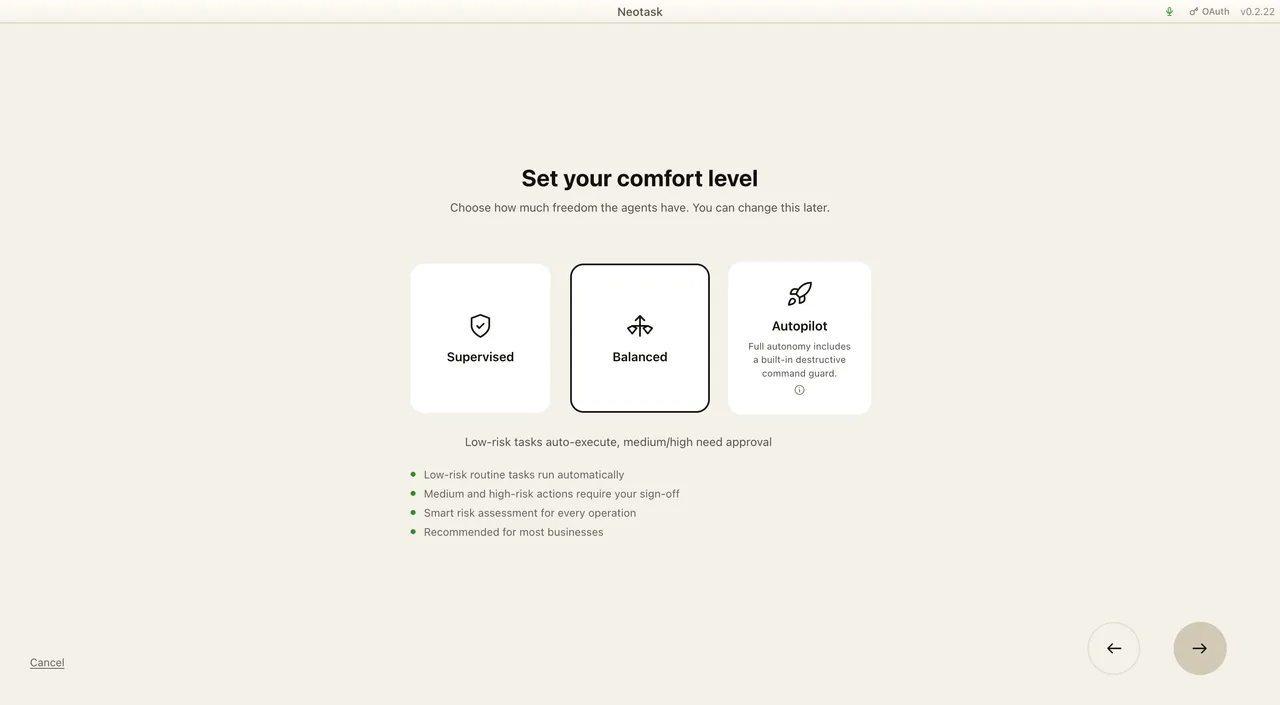
Every autonomous company runs in one of two modes. Build mode is for a brand-new company you are creating from an idea and growing toward launch and revenue. Manage mode is for an established company whose ongoing operations you want run and improved week after week. The mode tells the AI what kind of help it is giving, and it changes how every weekly plan is written.
The two modes at a glance
Build mode treats your company as a brand-new venture with nothing connected yet. The AI plans like a founder's right hand: a week of forward-moving build work, research, drafting, producing content, and getting ready to launch, where every task can run immediately with no setup from you.
Manage mode treats your company as a running business. The AI plans like a chief-of-staff or operations lead: a weekly operations review that keeps what is working, drops what is not, and adds outreach or sales only where they genuinely fit your business.
There is also a Both setting, which behaves like Build mode while you are still pre-launch and automatically shifts to Manage mode once your company has shipped a product. If you are unsure, Both is the safe choice, it never treats a company as further along than it really is.
Build vs Manage
| Build mode | Manage mode | |
|---|---|---|
| For | A brand-new company being built from an idea | An established company already operating |
| The AI acts as | A founder's right hand getting you to launch | A chief-of-staff running weekly operations |
| What a week looks like | A sequence of one-time build tasks that compound toward launch | A revised set of recurring operations that keep the business running |
| Tools it uses | Only built-in, no-setup capabilities (see below) | Your connected apps, integrations, and installed skills |
| Outreach & sales | None, nothing is sent externally and nothing is sold yet | Added only where they fit your actual business and stage |
| Goal | Reach a real, launchable product | Keep what works, fix what does not, and improve results |
Build mode in detail
Build mode is for a company that exists as an idea but has not launched. Its guiding rule is that every task must be completable right now, with zero setup from you. A brand-new company has not connected any accounts yet, so the AI will not plan anything that would require you to link a service, paste a key, or sign in somewhere first. Every task is ready to run the moment the plan is created.
To honor that, Build mode works only with the capabilities that are built in and need no accounts:
- generating images
- writing and publishing posts on your company's own built-in blog (the only publishing channel in this mode)
- drafting content such as emails and documents, saved as files rather than sent
- researching and summarizing information from the web
- using your company's own internal files and memory
- a small set of no-setup helpers (for example, working with PDFs or local notes)
A typical Build week is a handful of one-time tasks spread across the days so progress compounds, research, then drafting, then producing, then preparing to launch, rather than a fixed daily routine. The very first task is usually to write and publish your company's first blog post right away, so there is visible progress from day one.
What Build mode deliberately will not do: it will not run cold-email campaigns, daily performance reports, or ad-management loops, and it will not try to sell a product that does not exist yet. Those belong to an established business, not a brand-new build. When your company grows past the early stage, it moves out of Build mode automatically.
Manage mode in detail
Manage mode is for a company that is already up and running. Each week the AI performs an operations review: it looks at how the business actually works today, keeps the operations that are producing results, adjusts or drops the ones that are not, and adds new operations only where they genuinely fit.
Because the company is established, Manage mode is allowed to use everything you have connected, your apps, integrations, and any skills you have installed. It reasons across the whole business: strategy, product, content, marketing, sales, operations, and finance, adapting to how your company really operates rather than following a single fixed script.
A Manage week leans toward recurring operations on a sensible cadence, and it always includes a check on the health of the business and a review of performance and metrics. Importantly, Manage mode does not force the same cold-email-and-daily-report routine onto every company. Outreach and sales tasks appear only when they suit your business and the stage it is at, never as a blanket default.
Product readiness, why your company won't sell before it's ready
Independent of the mode, your company moves through stages as it matures: idea → pre-launch → launched → selling. It advances on its own as real progress happens:
- It leaves idea once website work begins or the first build task is finished.
- It becomes pre-launch while the product is being built.
- It becomes launched once the website is live and enough core build work has shipped.
- It only reaches selling once it is launched and payments are connected.
Selling is held back until your company is genuinely ready. Before it ever takes a real customer payment, every condition on its own "ready to sell" checklist, a working live page, connected payments, fulfillment in place, and anything else specific to your business, must be confirmed by real evidence, not just assumed. Until then, any selling task is automatically held back. (Your company can still legitimately collect a waitlist or pre-orders in the meantime when that is the right move.) This keeps a company from trying to sell something before it actually exists or before it can take money safely.
Where you set and see the mode
You set and change the operating mode on the Profile tab of your company. The Profile tab is where you manage your company's identity and core business information, and it is where you manage build/manage mode alongside the company stage. You can switch a company between Build, Manage, and Both there at any time, and adjust the company stage to match where the business really is.
The mode is usually set for you when you first create the company: starting from an existing company website sets it to Manage, while starting from a new idea sets it to Build. You only need to revisit the Profile tab if you want to change it later.